
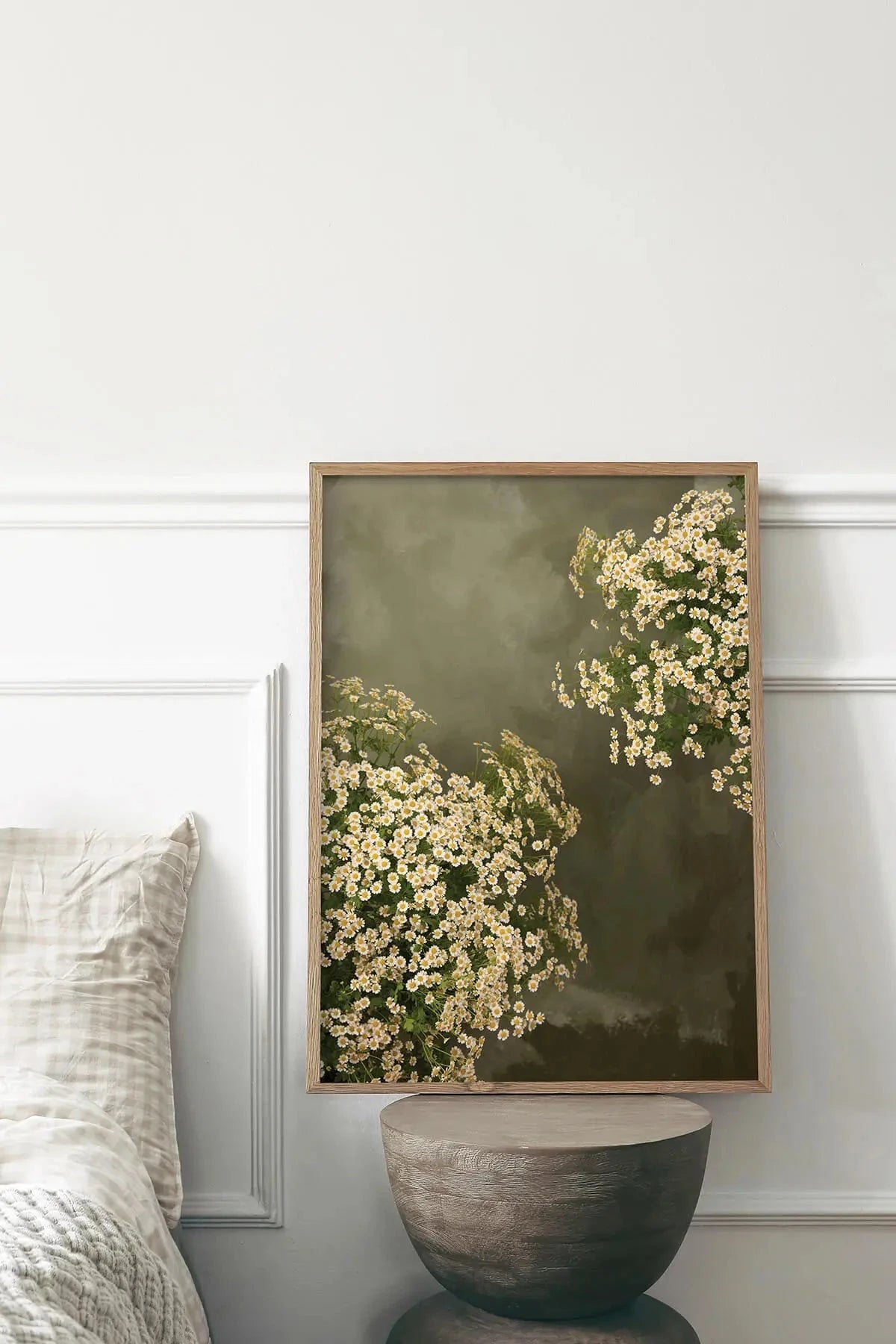
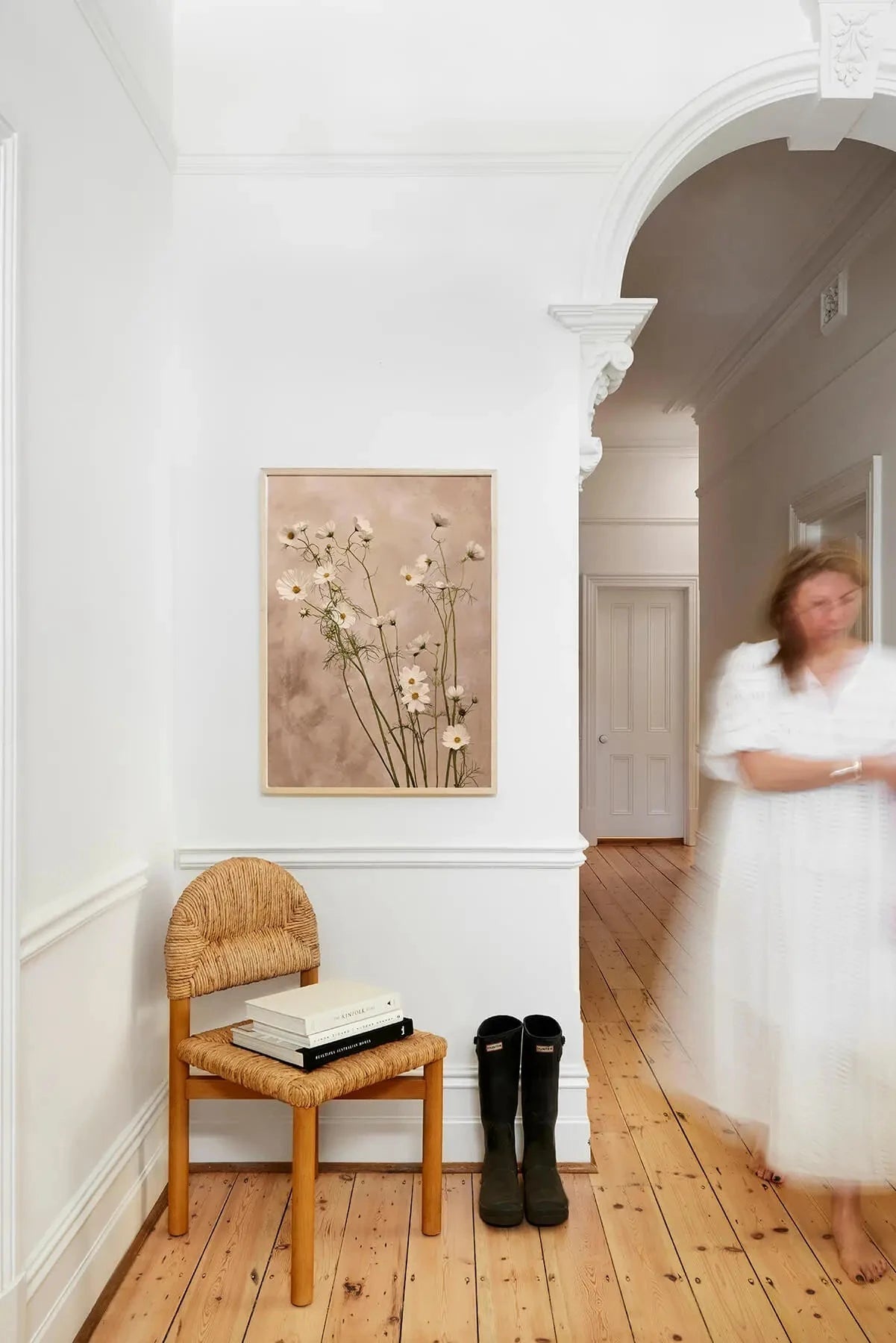
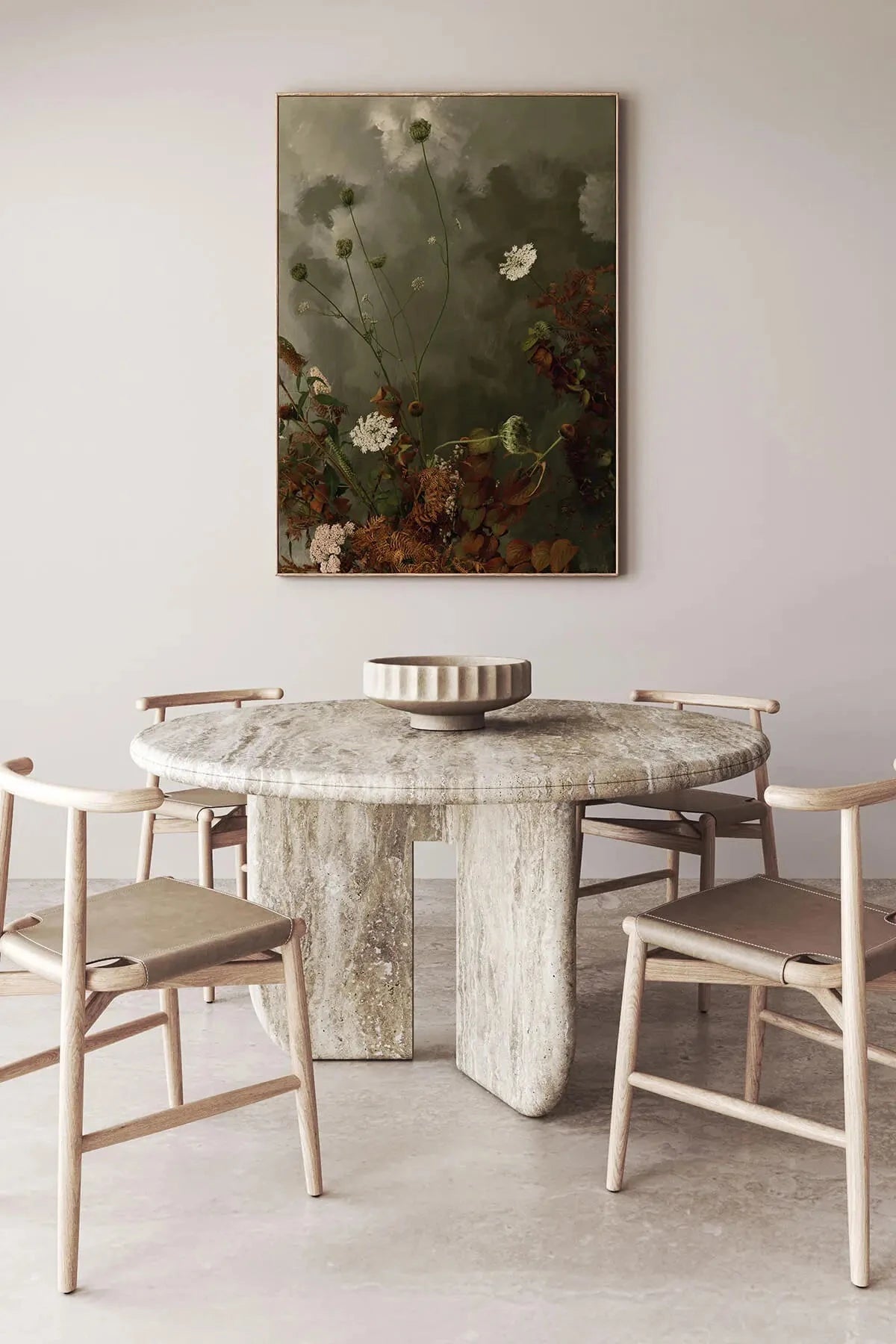
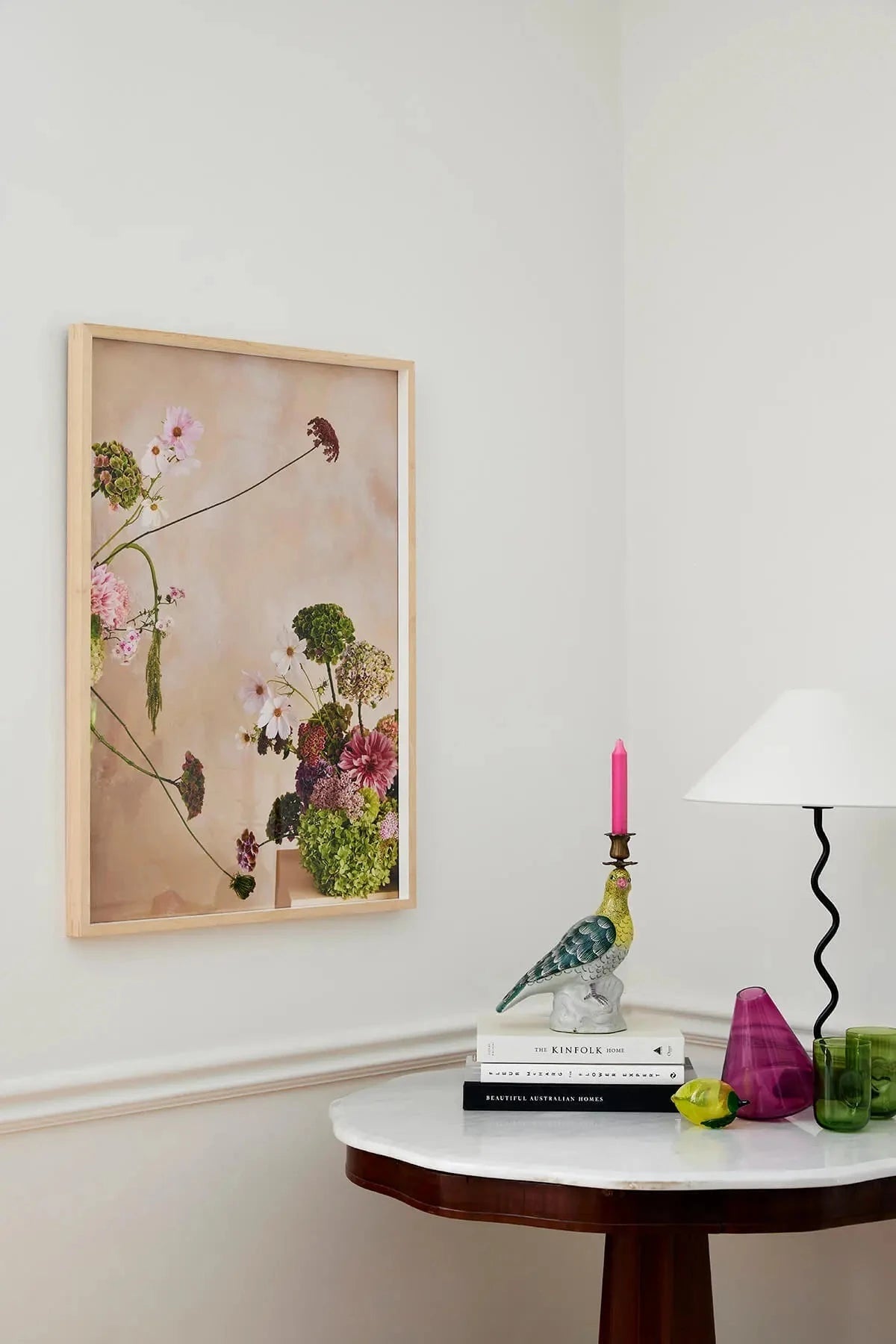
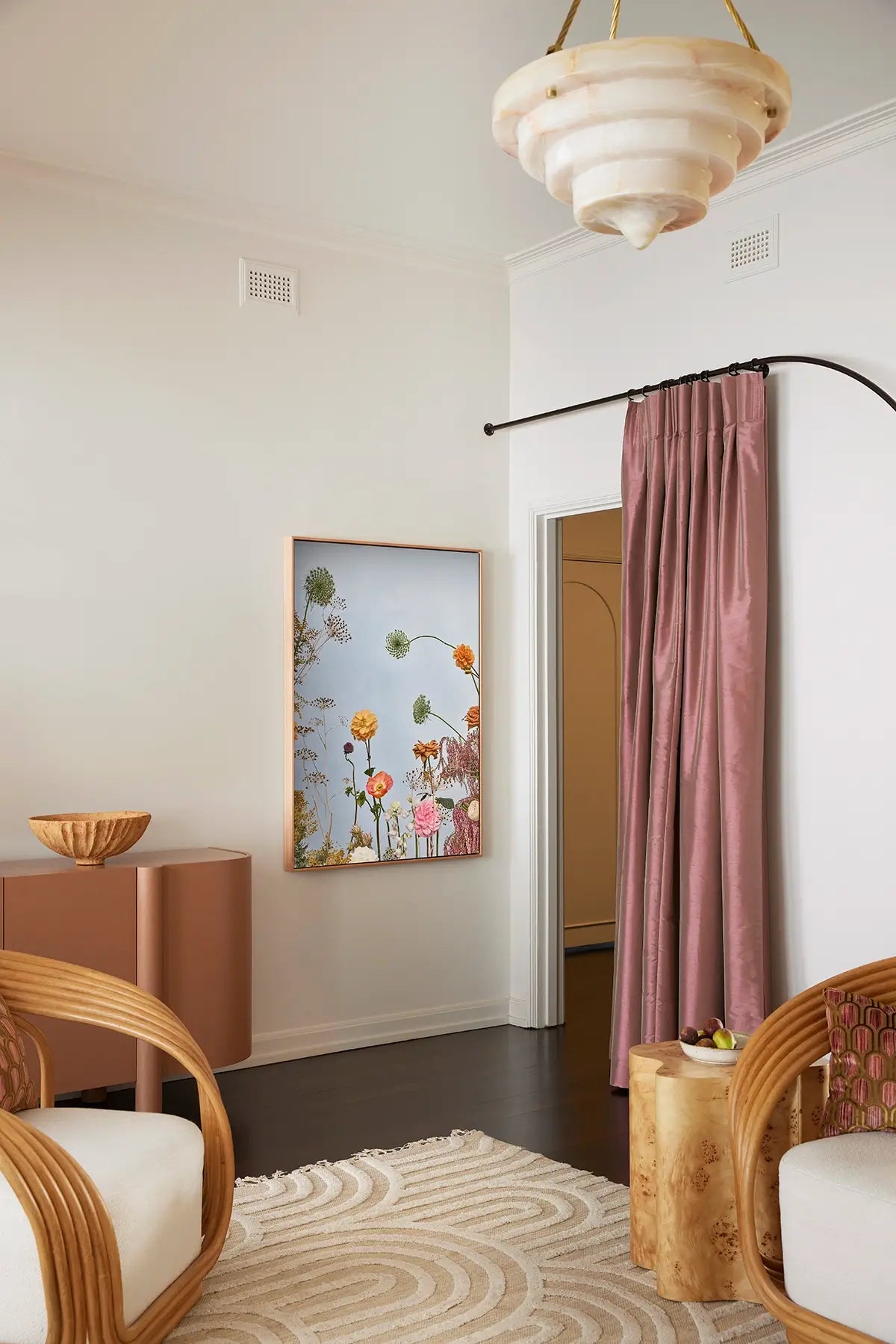
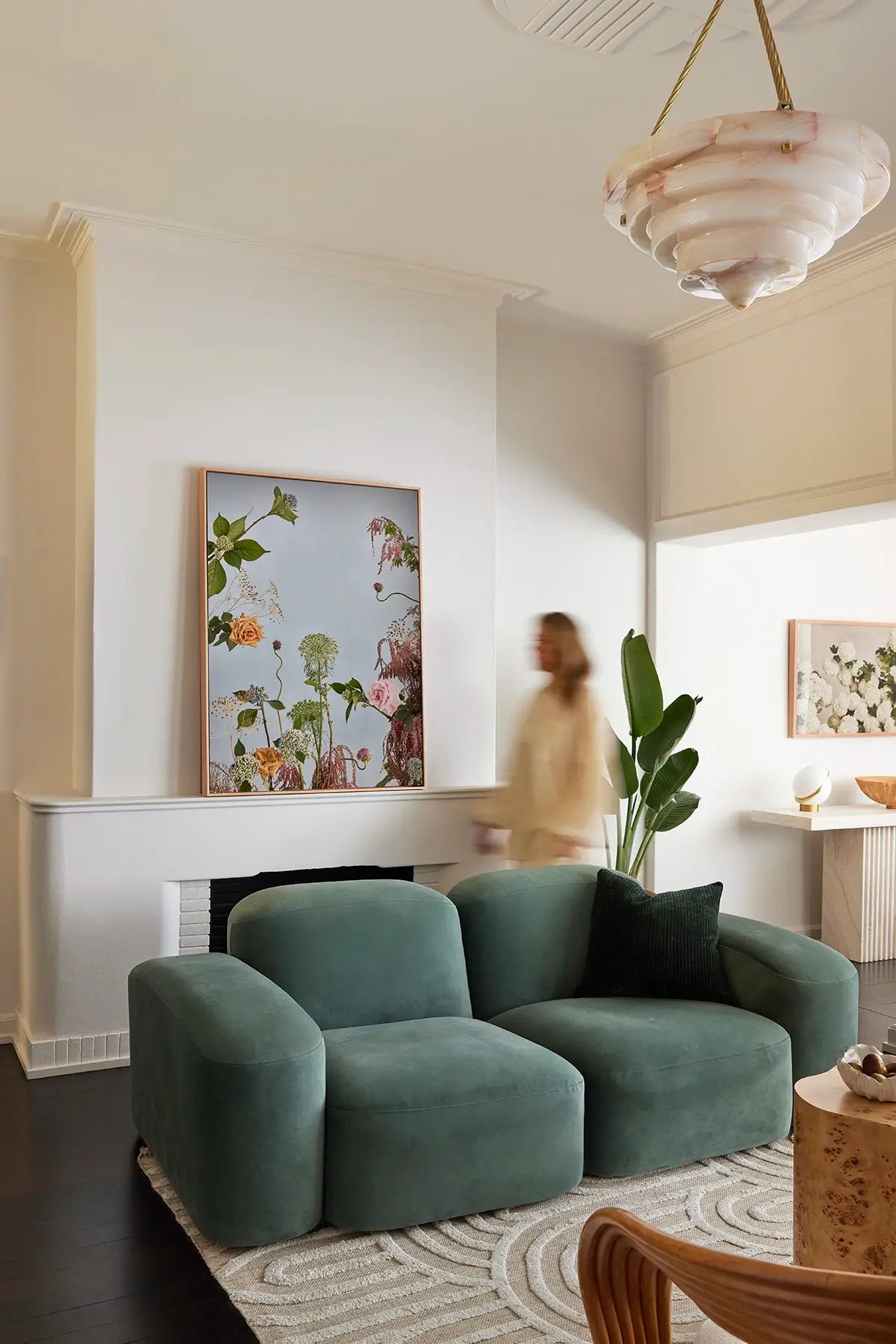
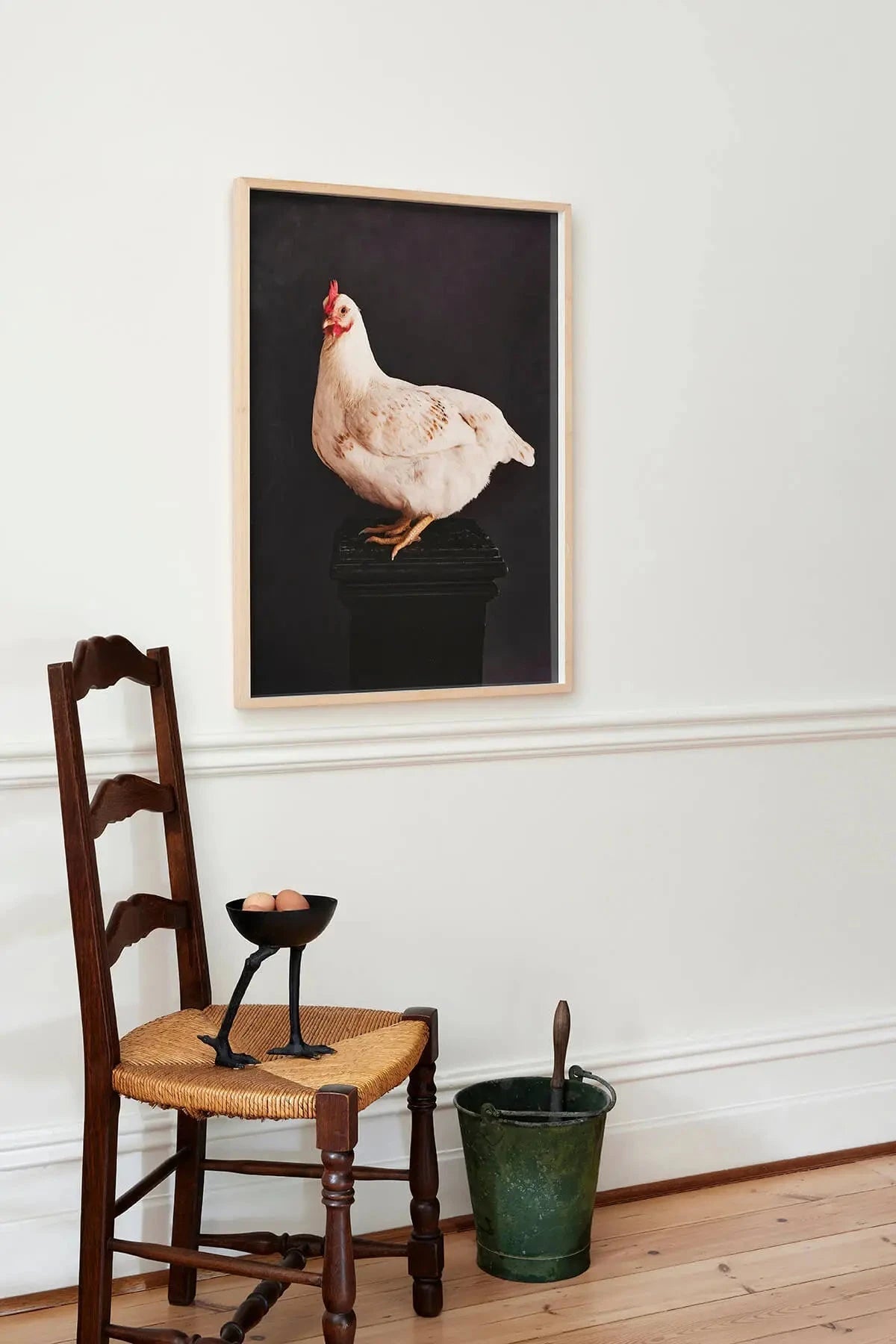
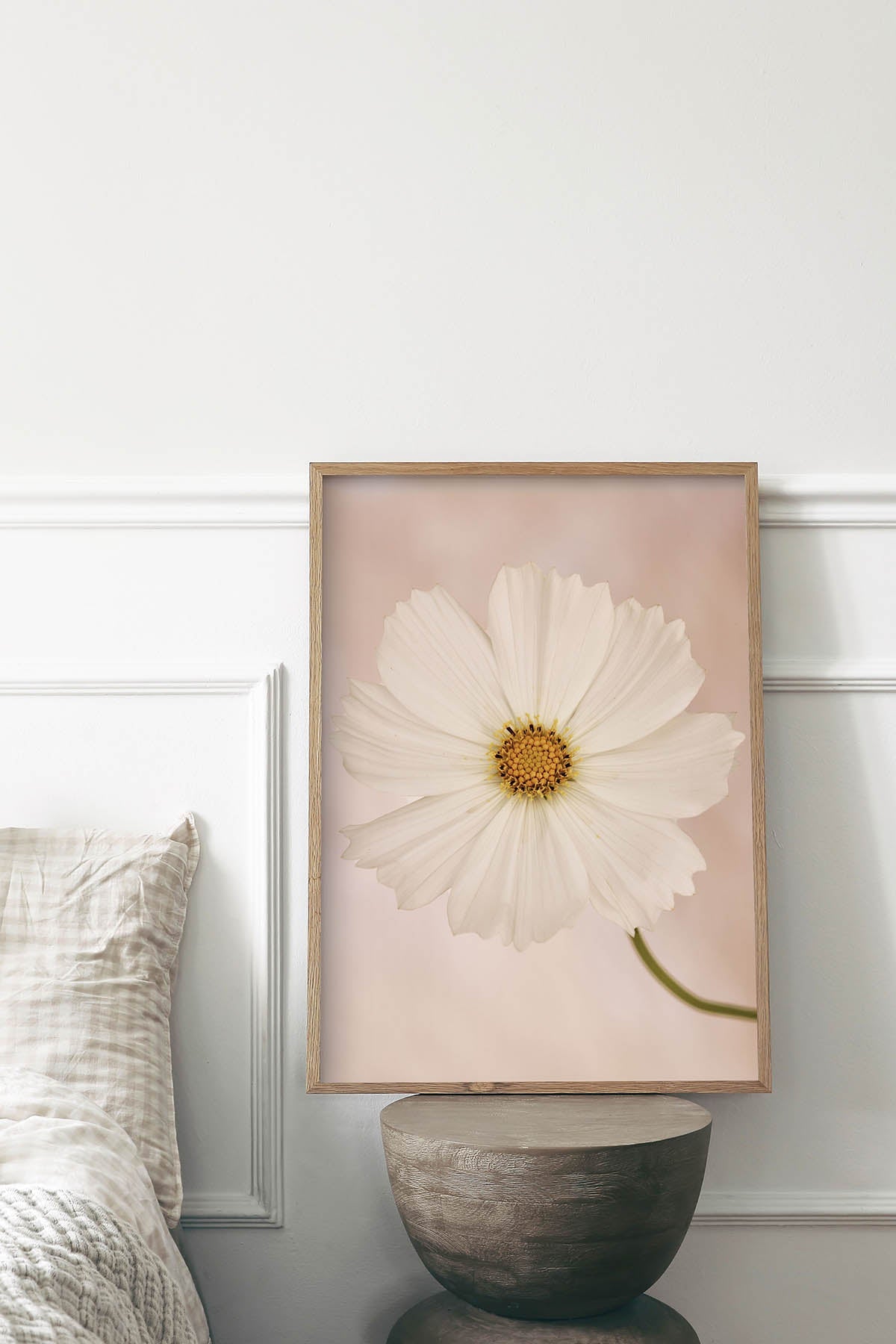
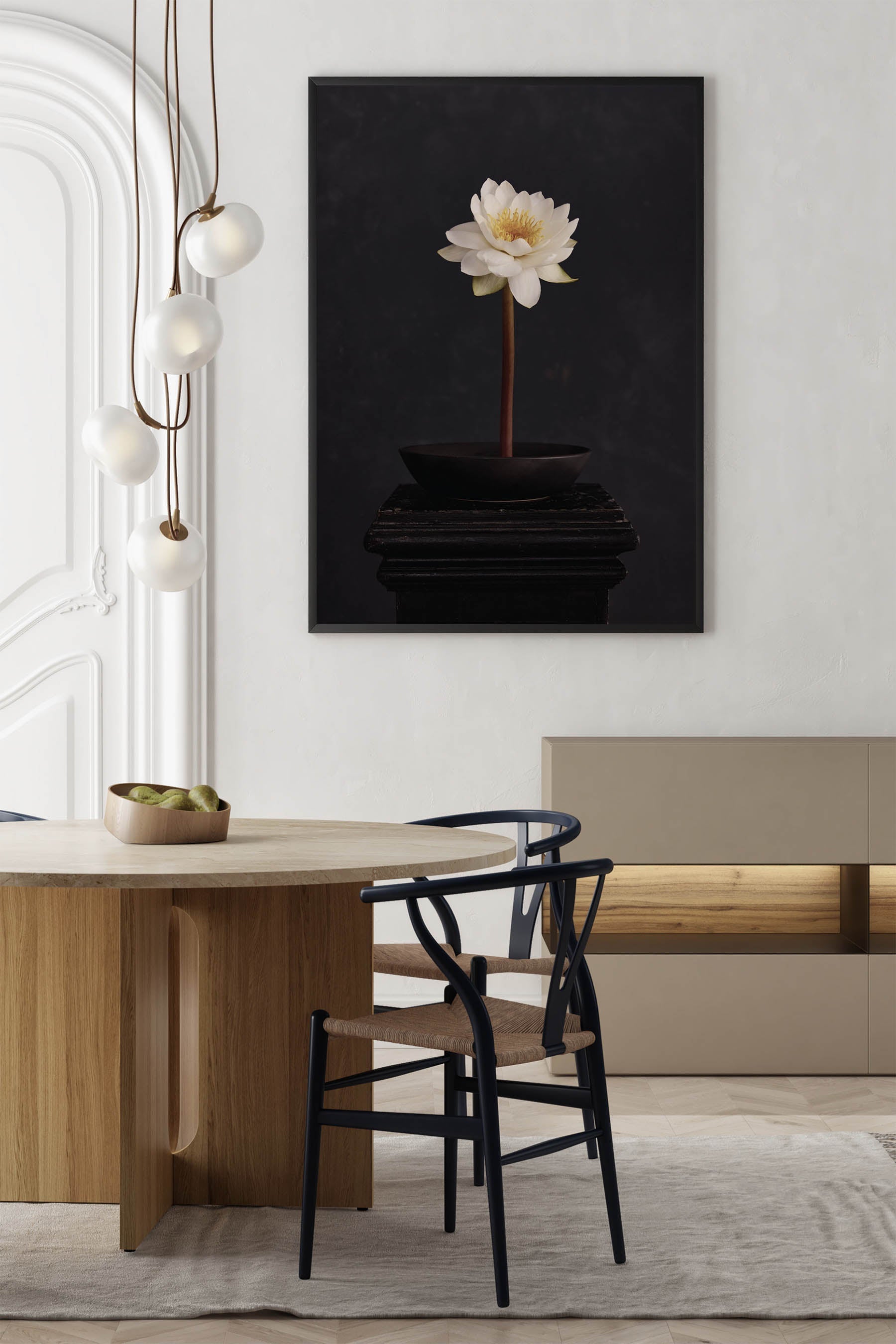
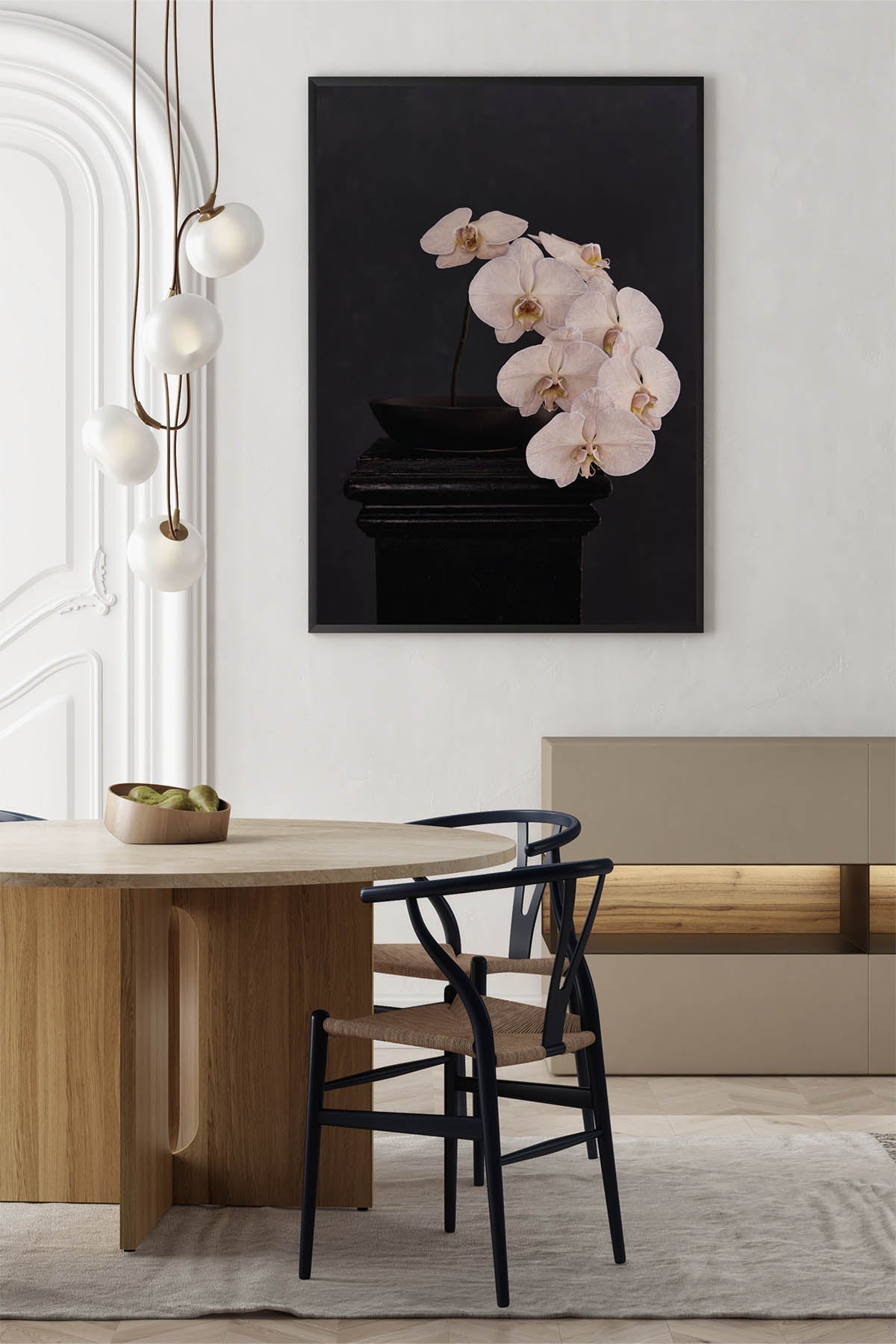
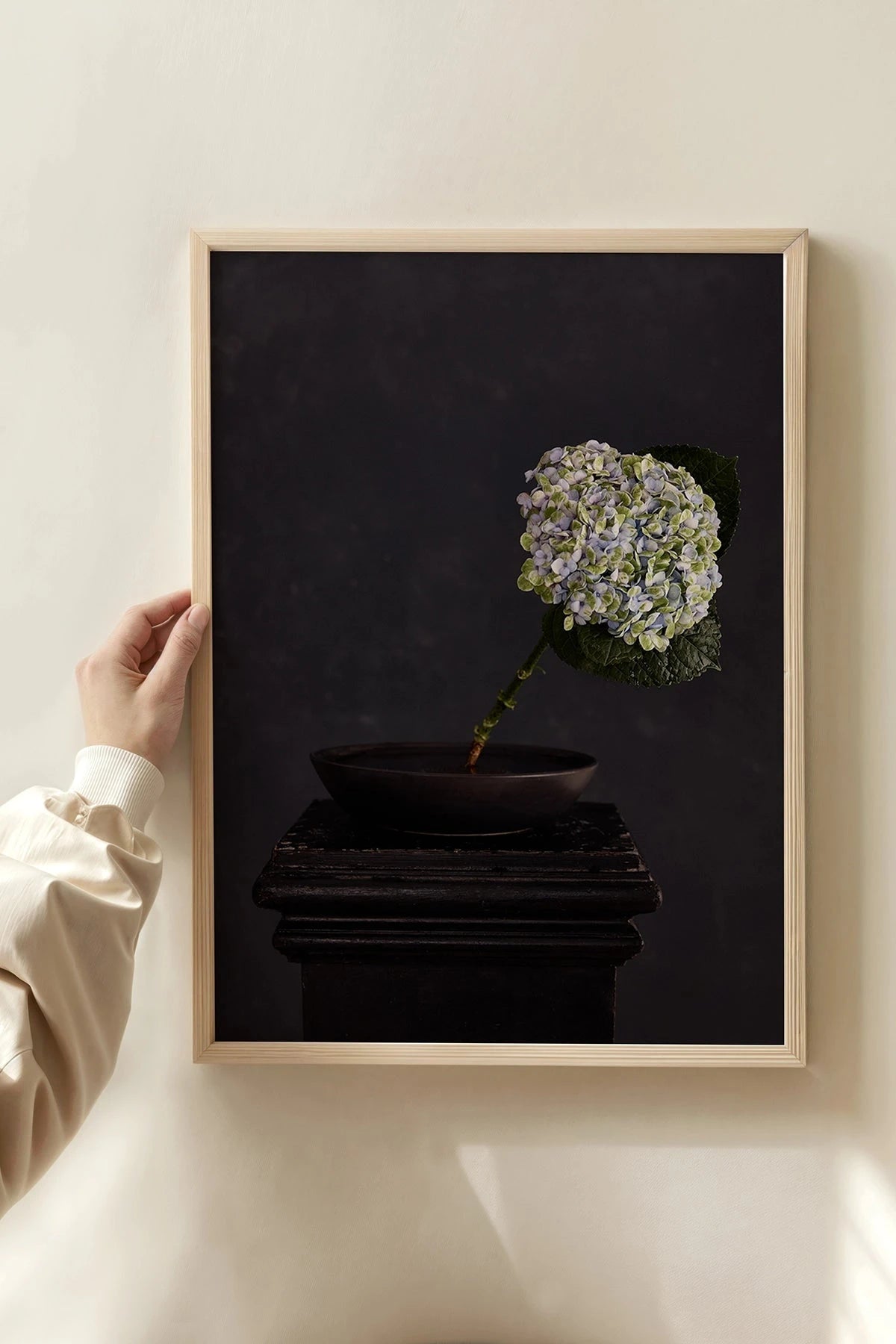
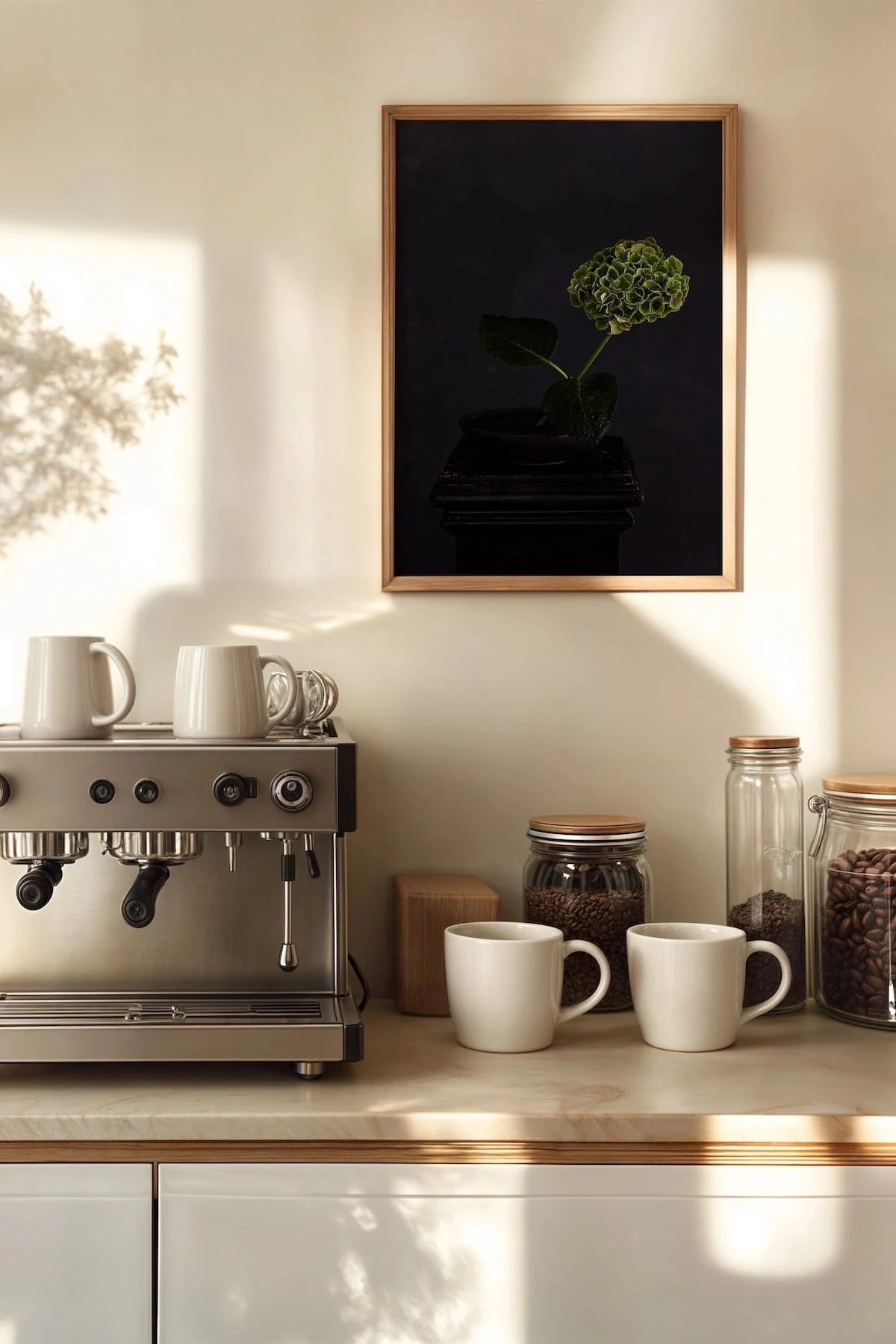
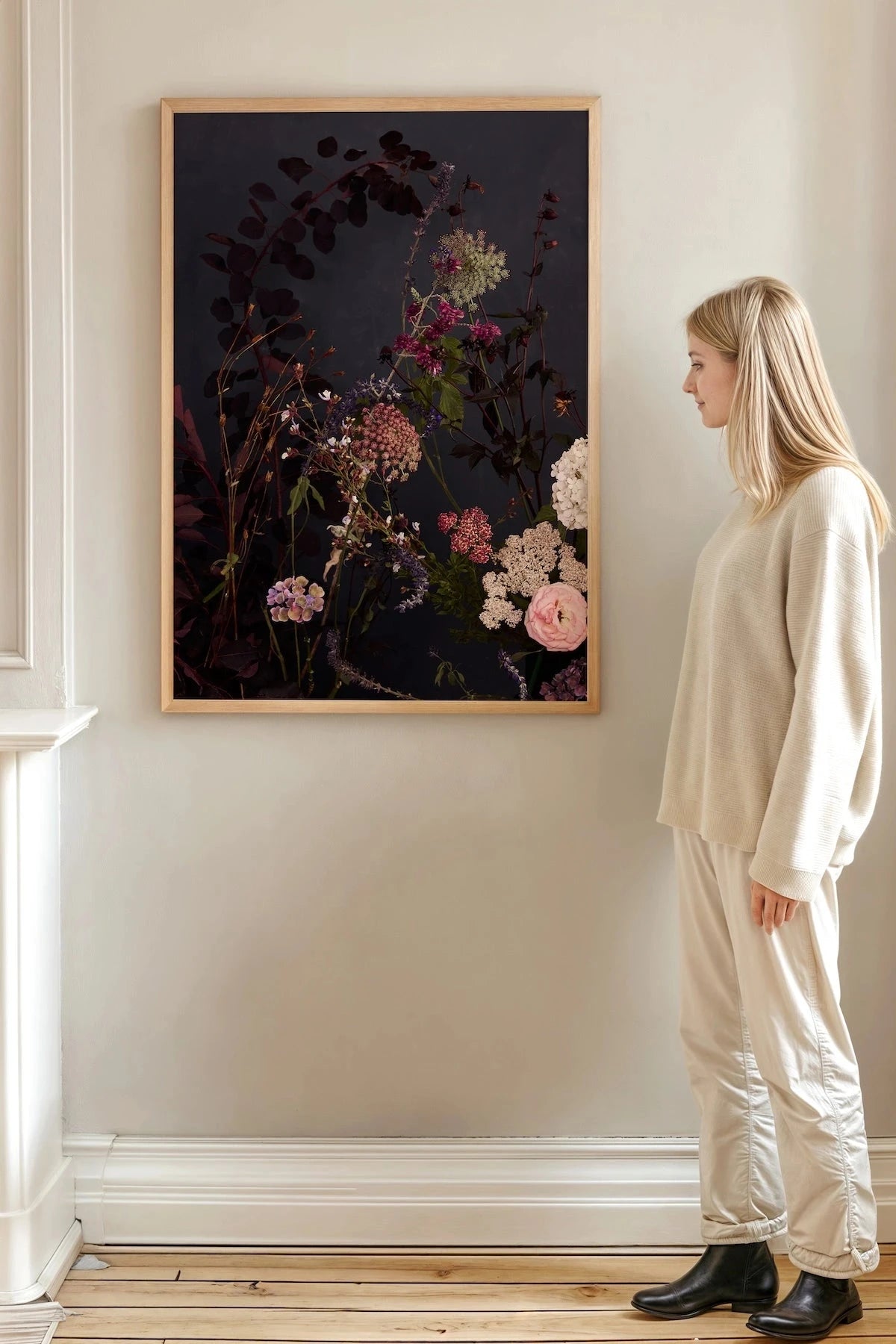
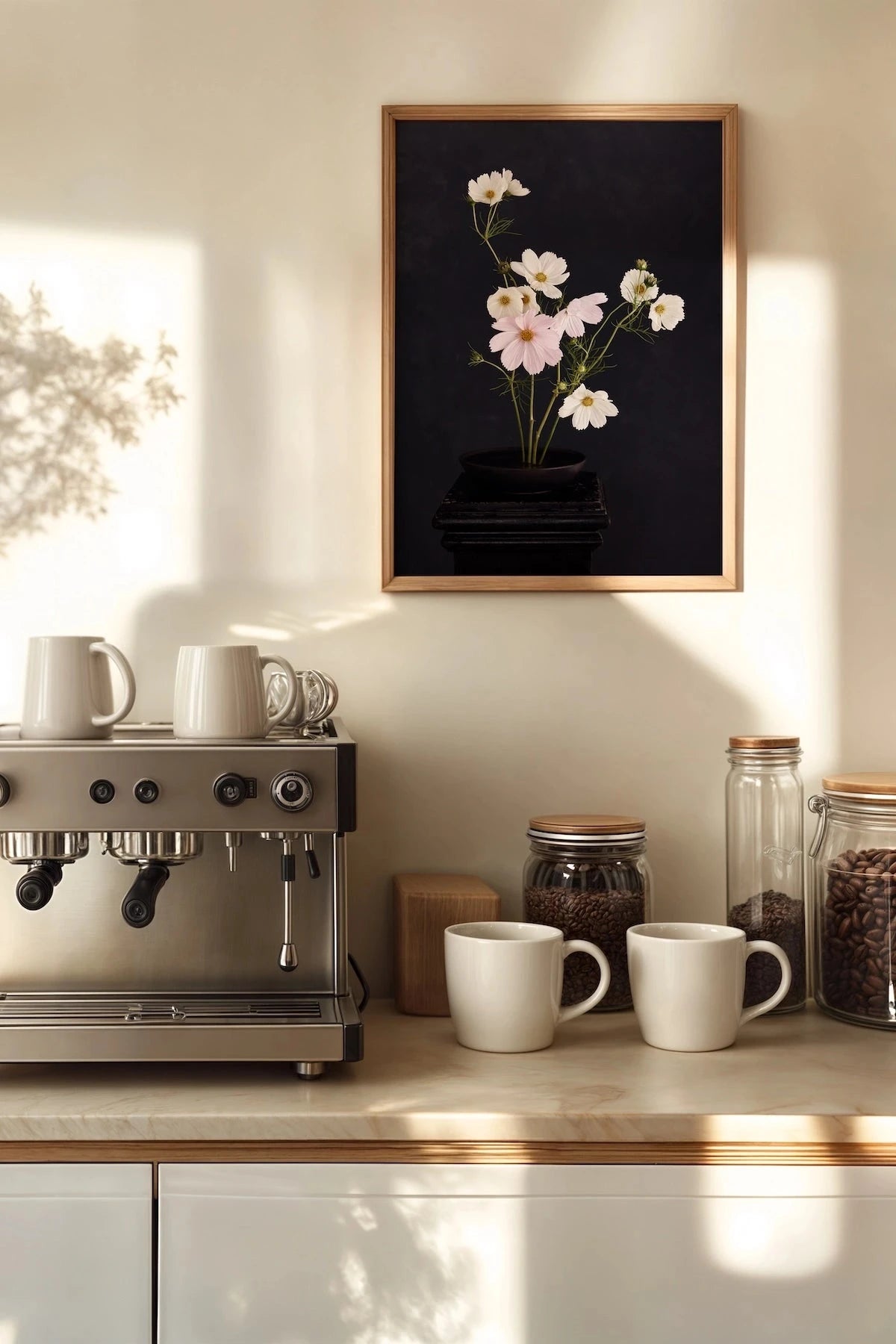
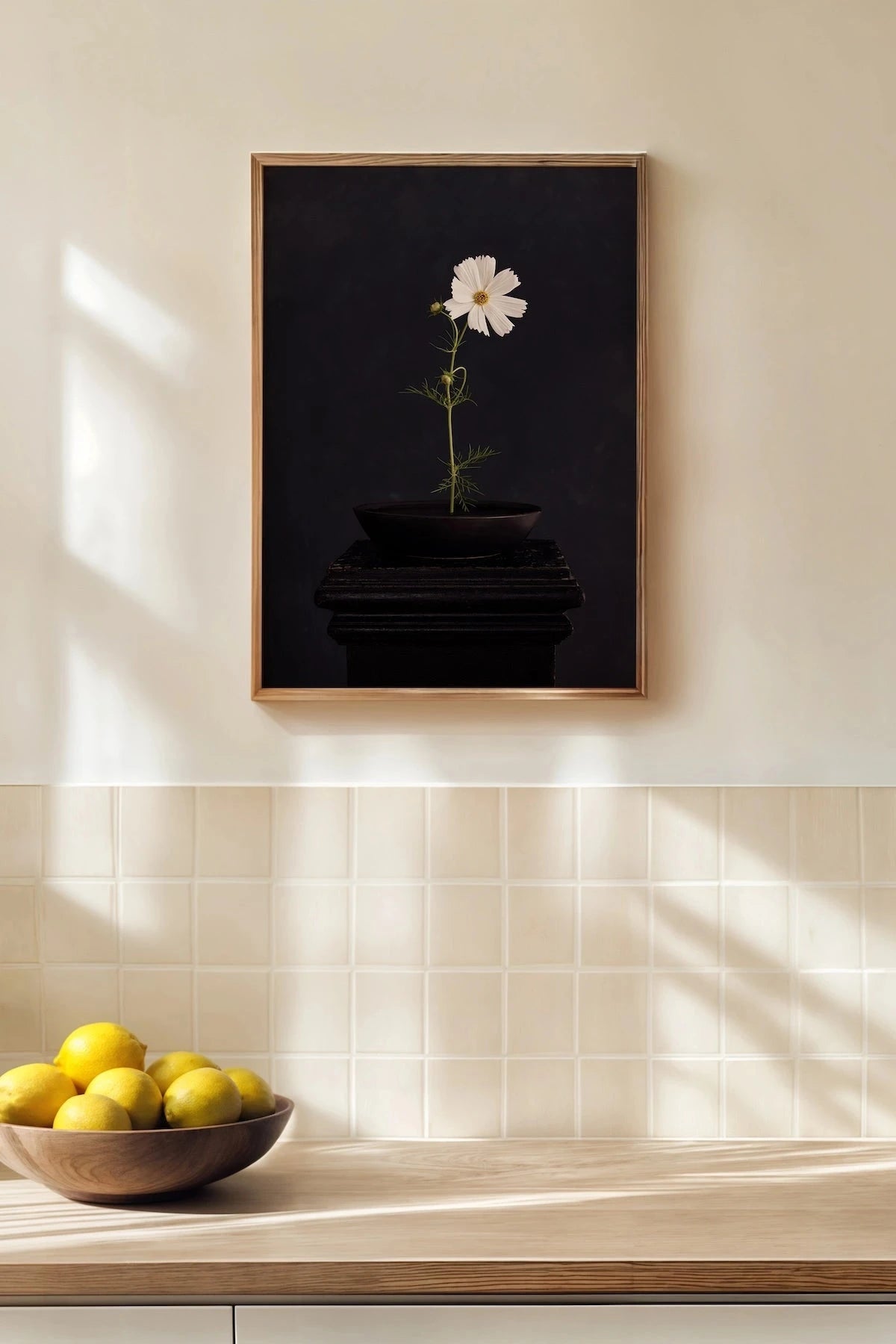
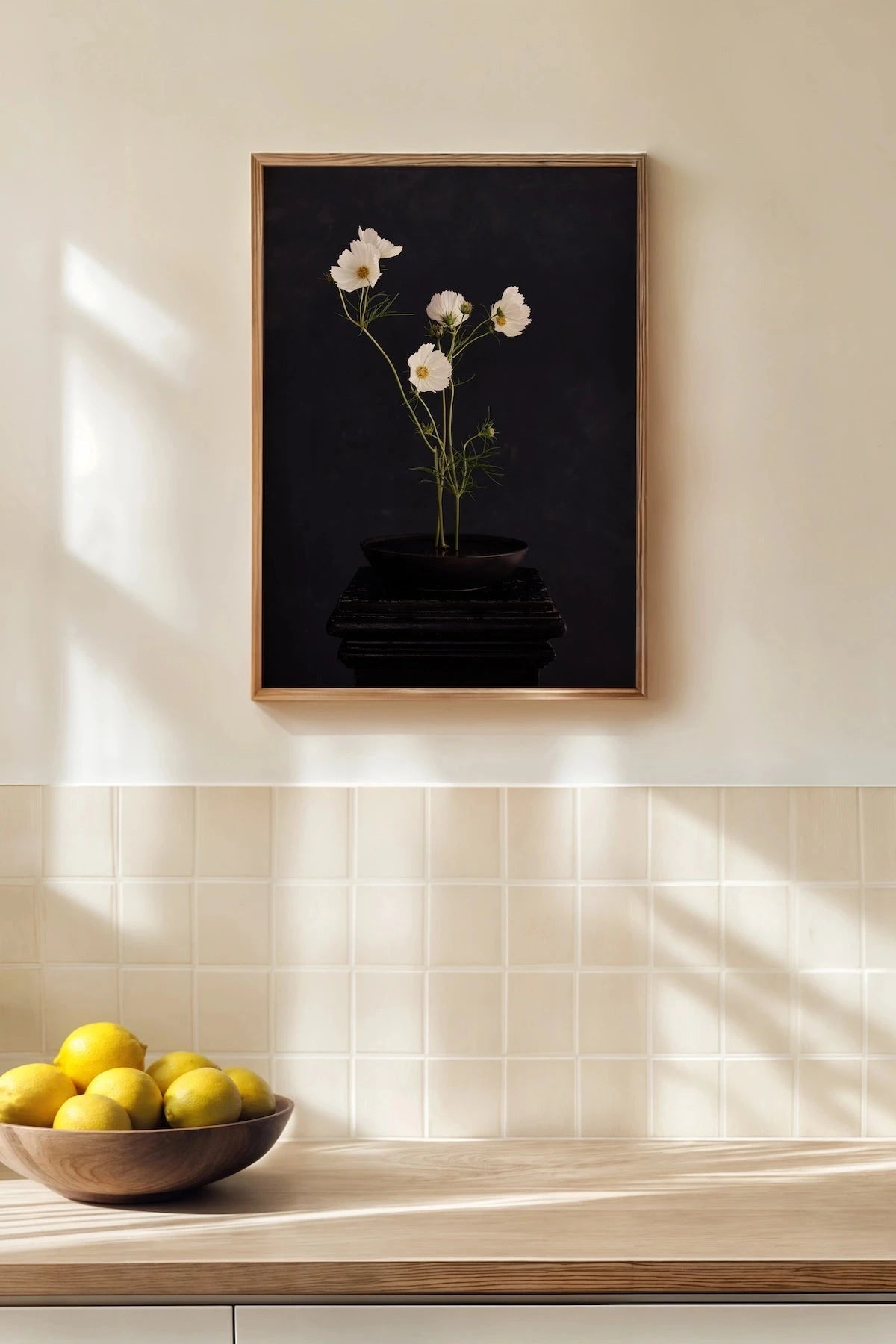
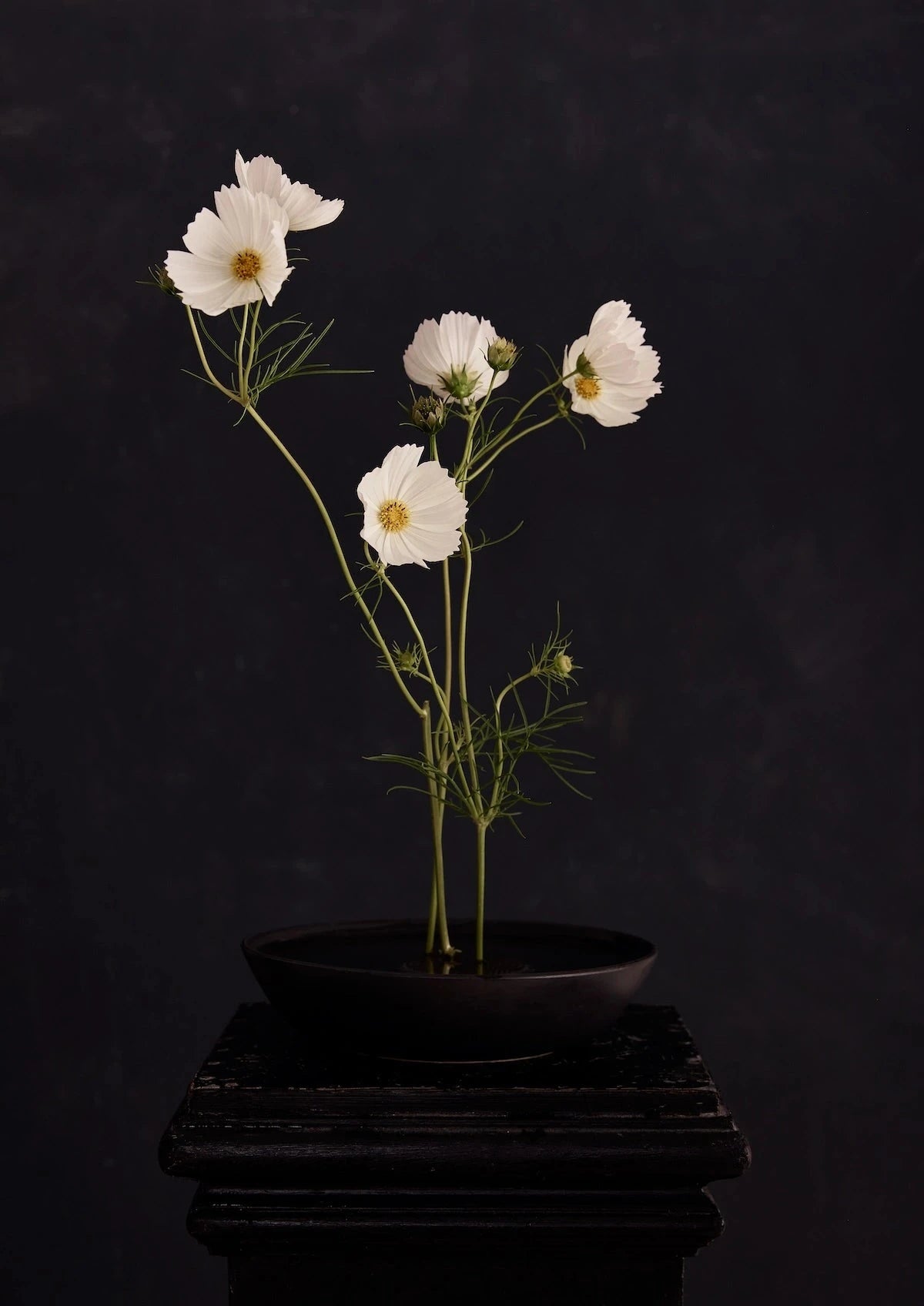
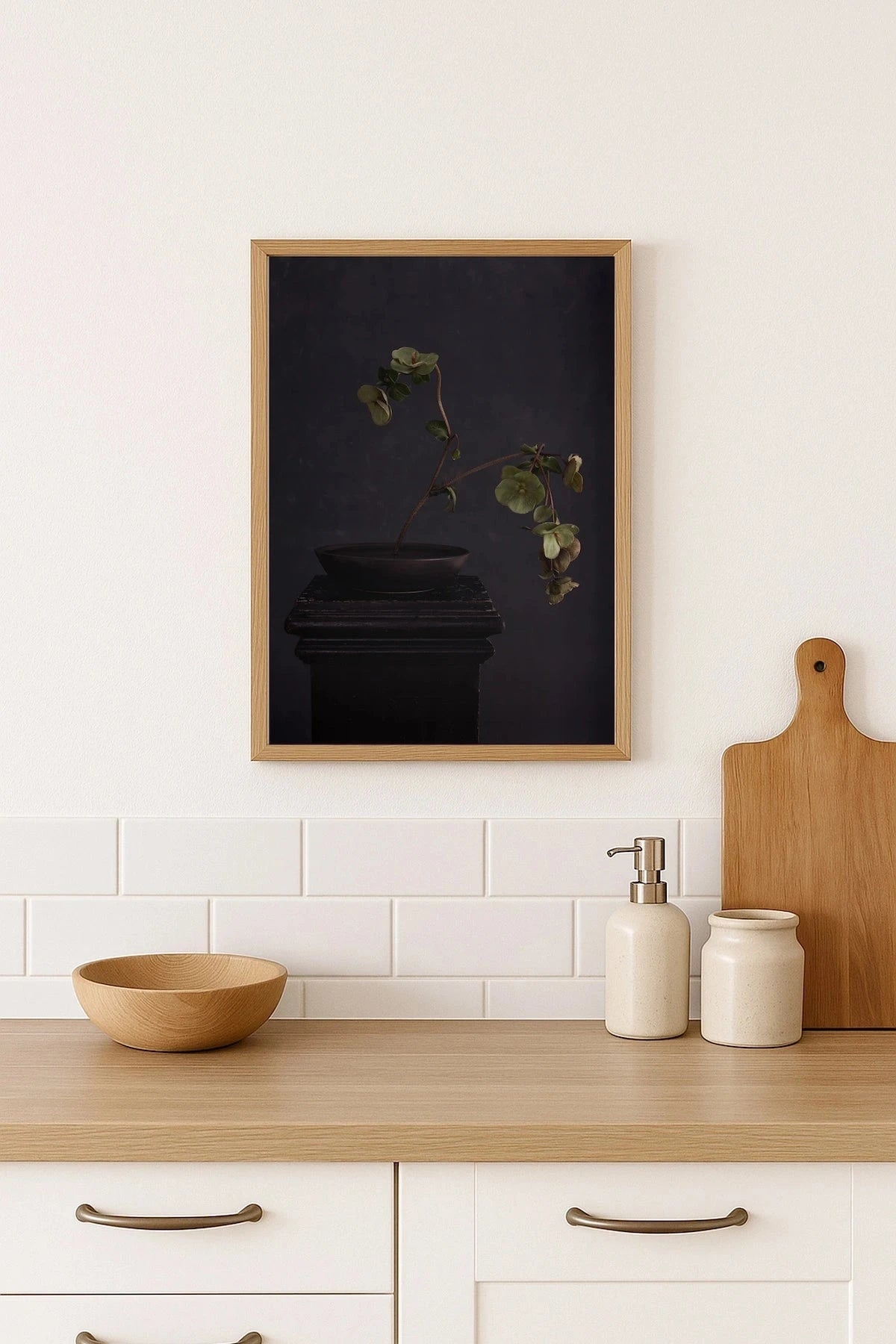
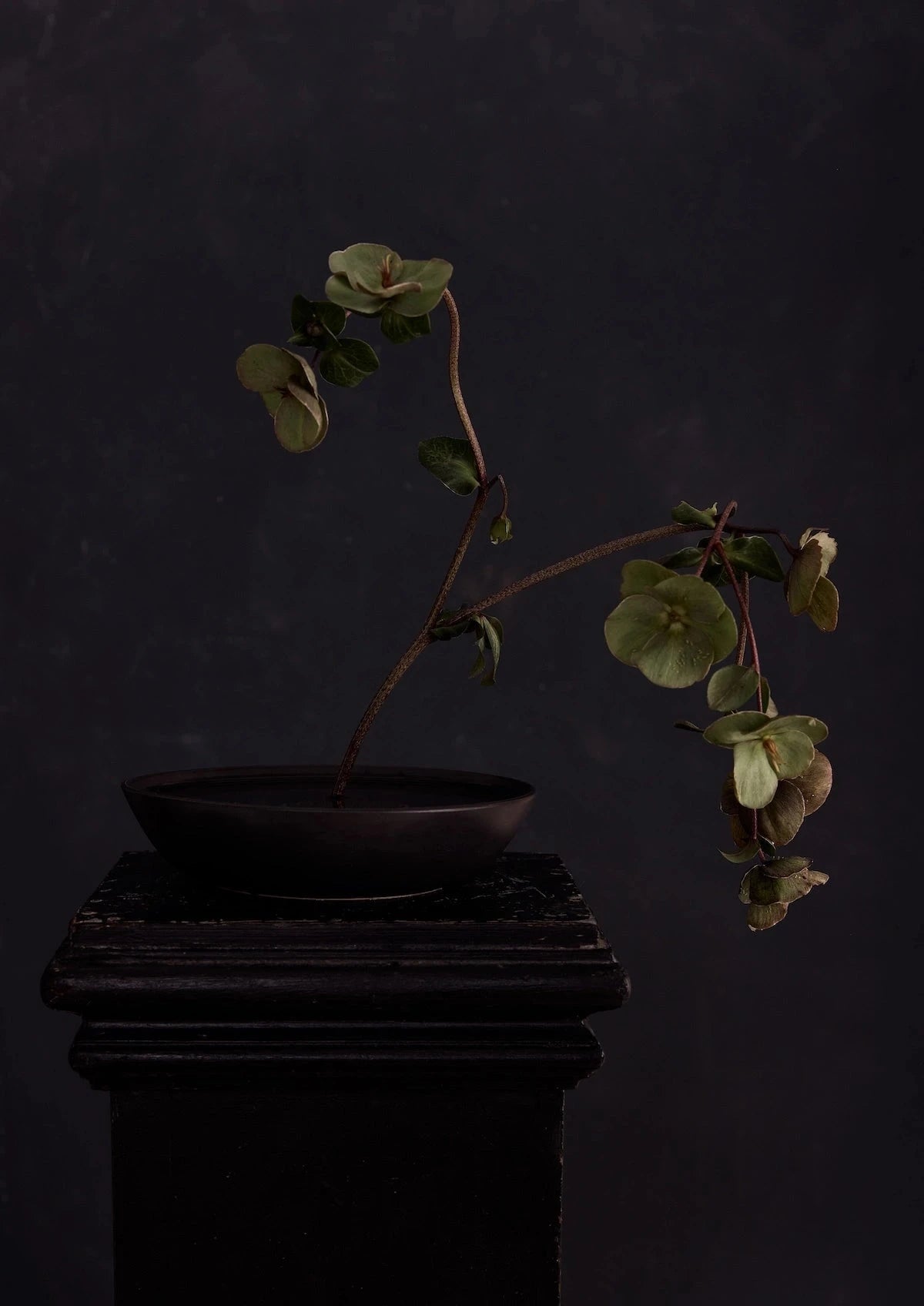
See any Austin Bloom fine art print on your wall before you buy. No app needed.
View in Room


1. Find a print you like
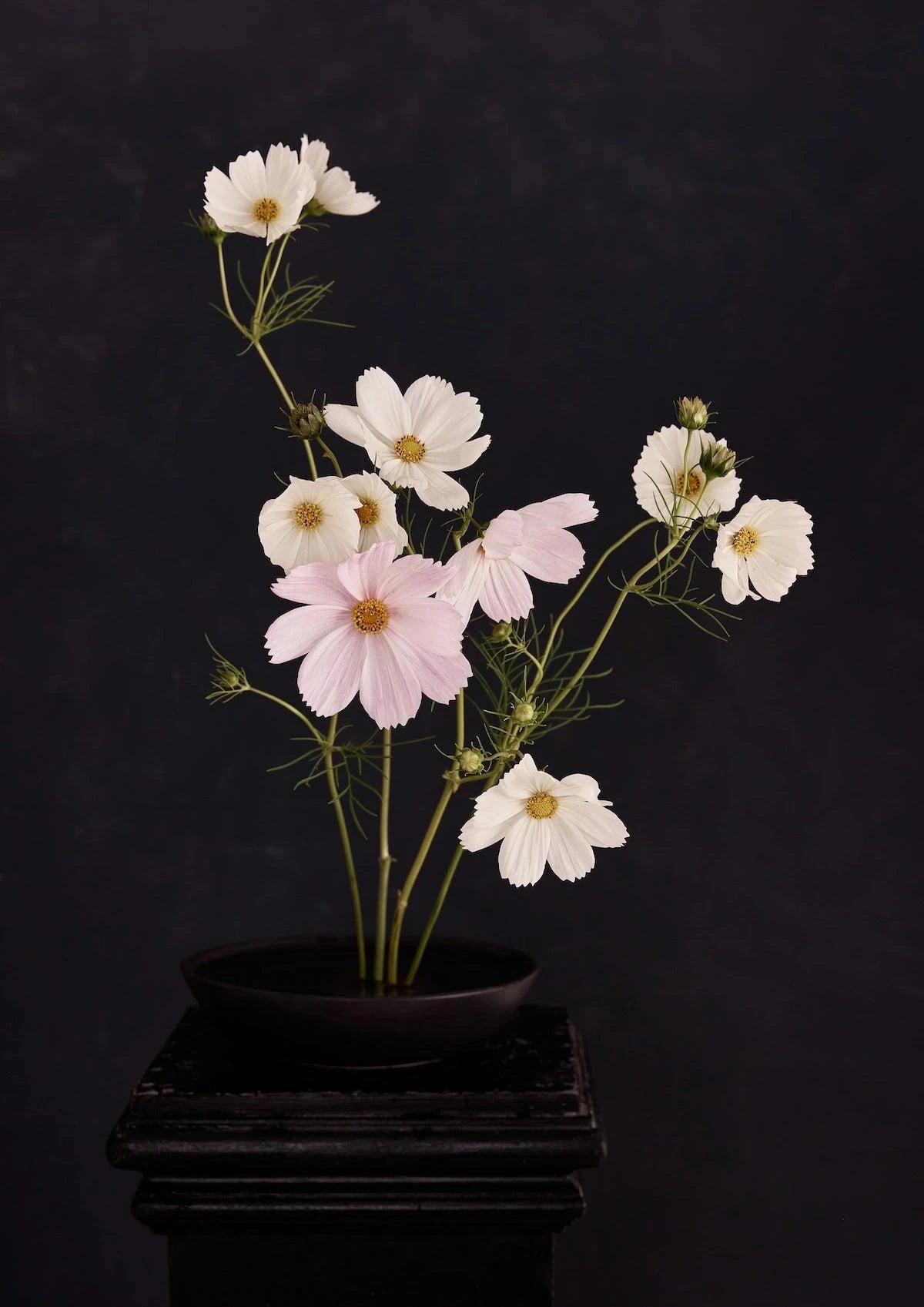
Browse any collection or product page. When you find a print, look for the "View in Room" button in the product image carousel.
TIPS FOR THE BEST RESULT
Use your phone, not a computer. The AR tool uses your phone's camera and sensors — it works on iPhone and most Android devices but not on desktop or laptop screens.
Good lighting helps. The camera needs to see the wall clearly to place the print accurately. Natural daylight or a well-lit room gives the best result.
Stand back a little. Start about 2–3 metres from the wall so the camera can detect the full surface. You can move closer once the print is placed.
Try multiple sizes. If you're unsure between an A2 and an A1, preview both. The tool shows the exact dimensions, making size comparison easy. For general sizing guidance, see our sizing guide.
Ready to try?






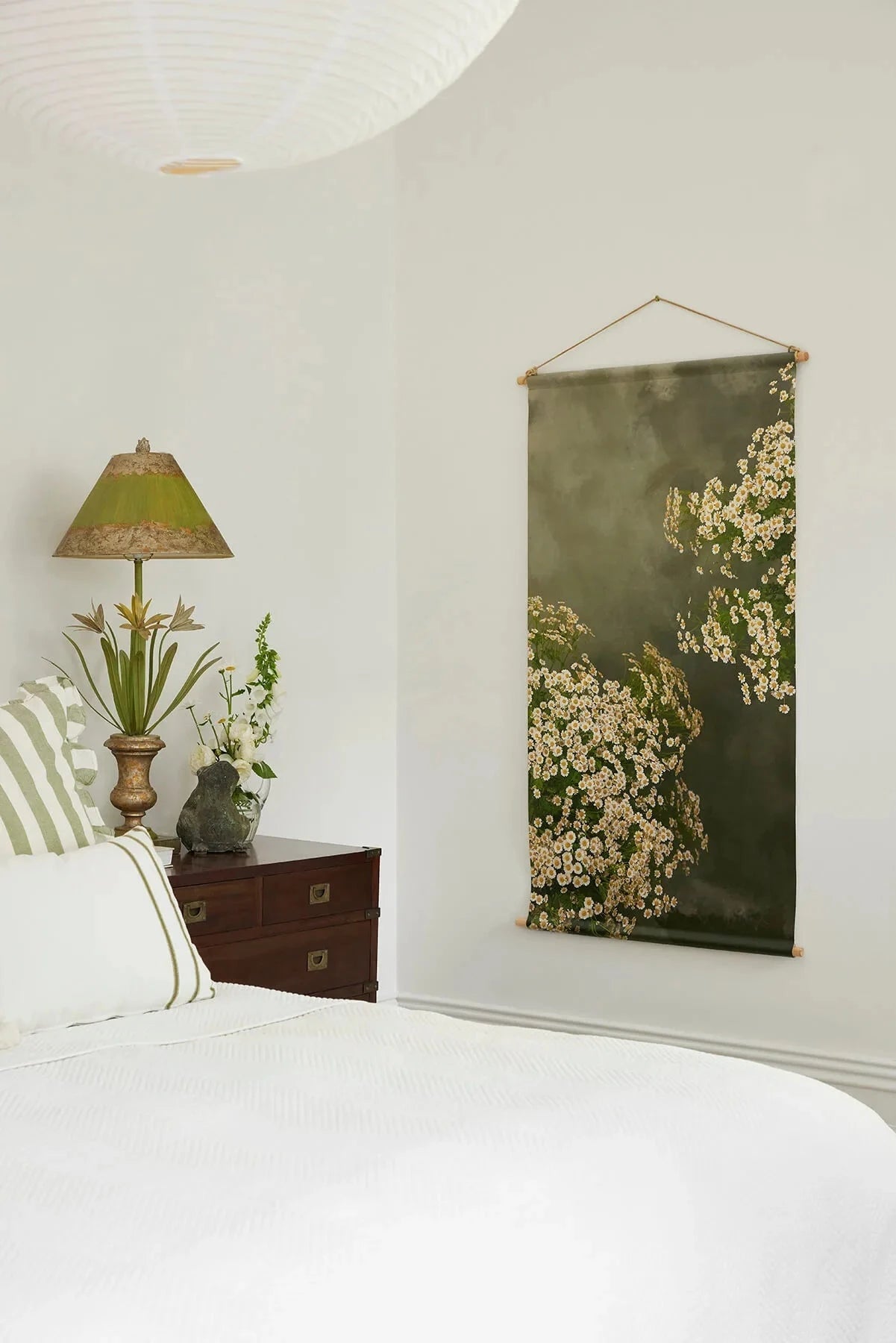





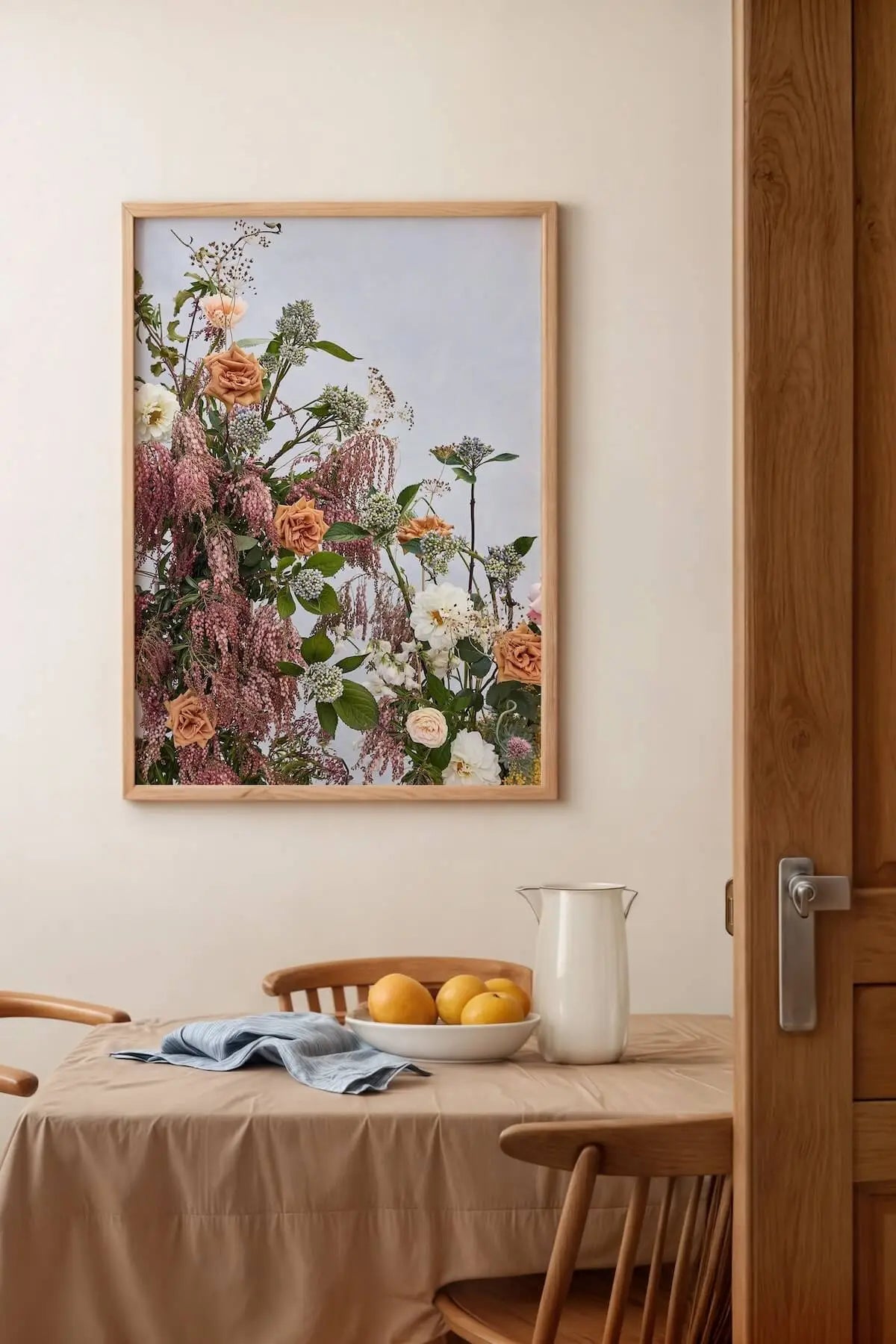

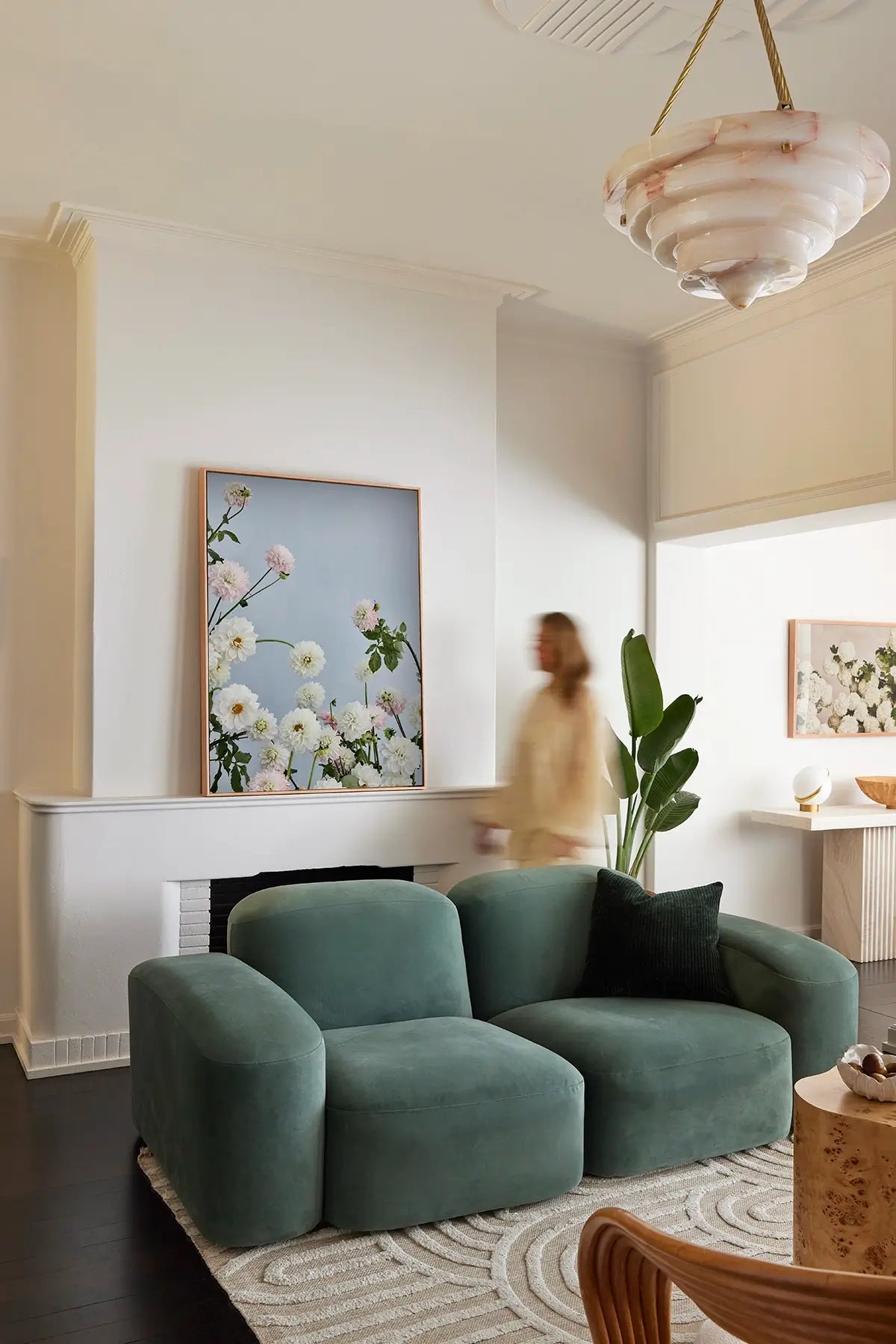

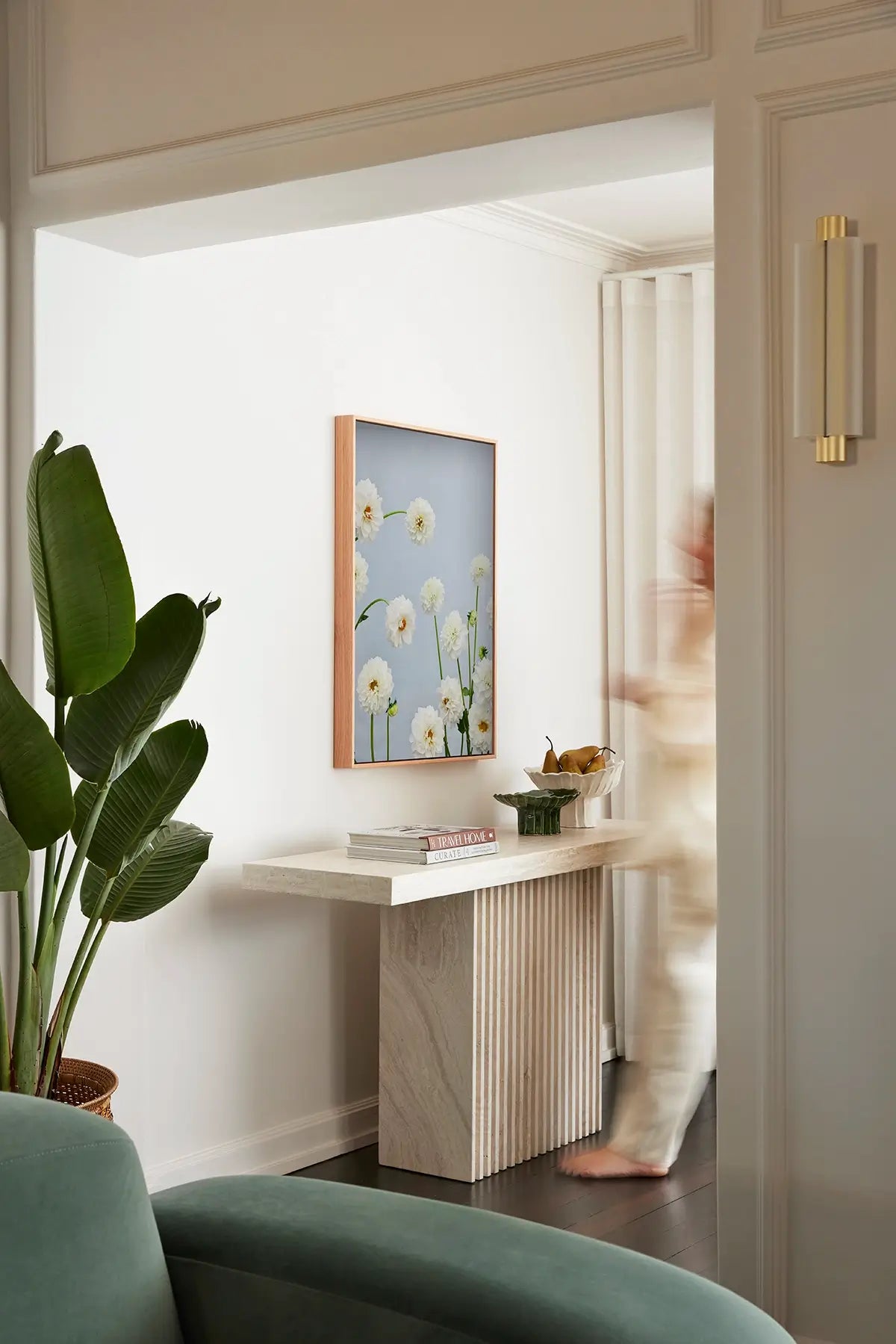





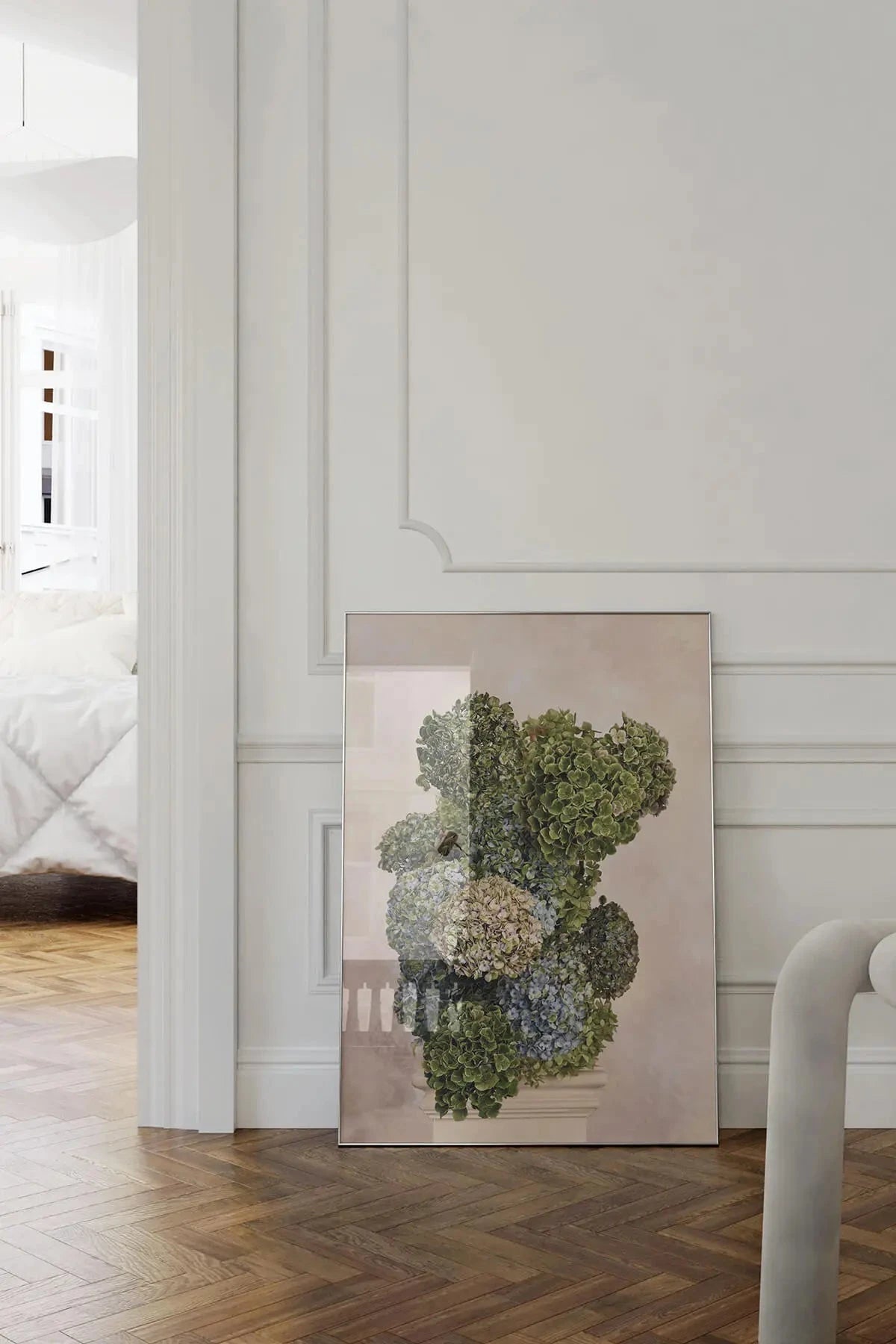

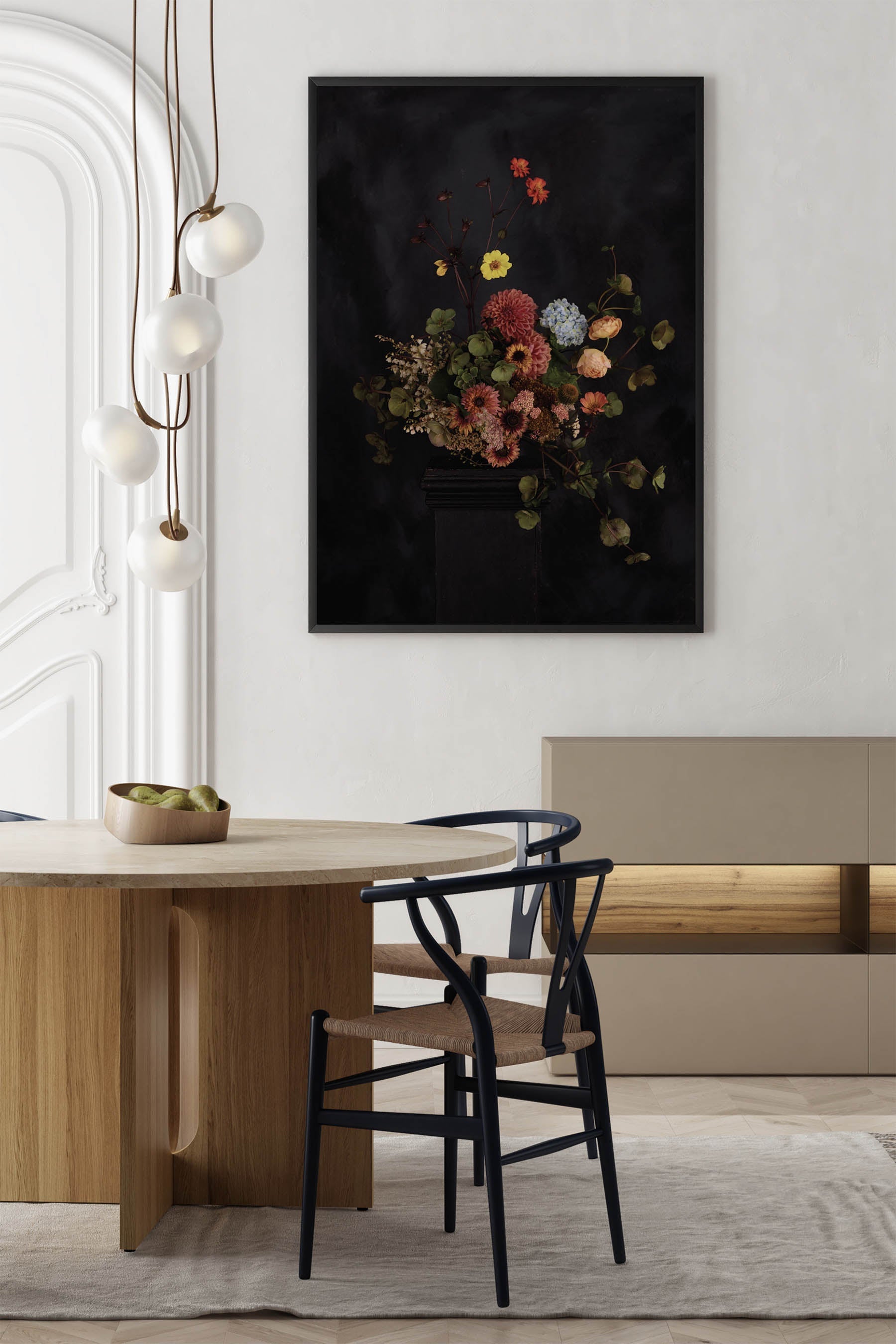
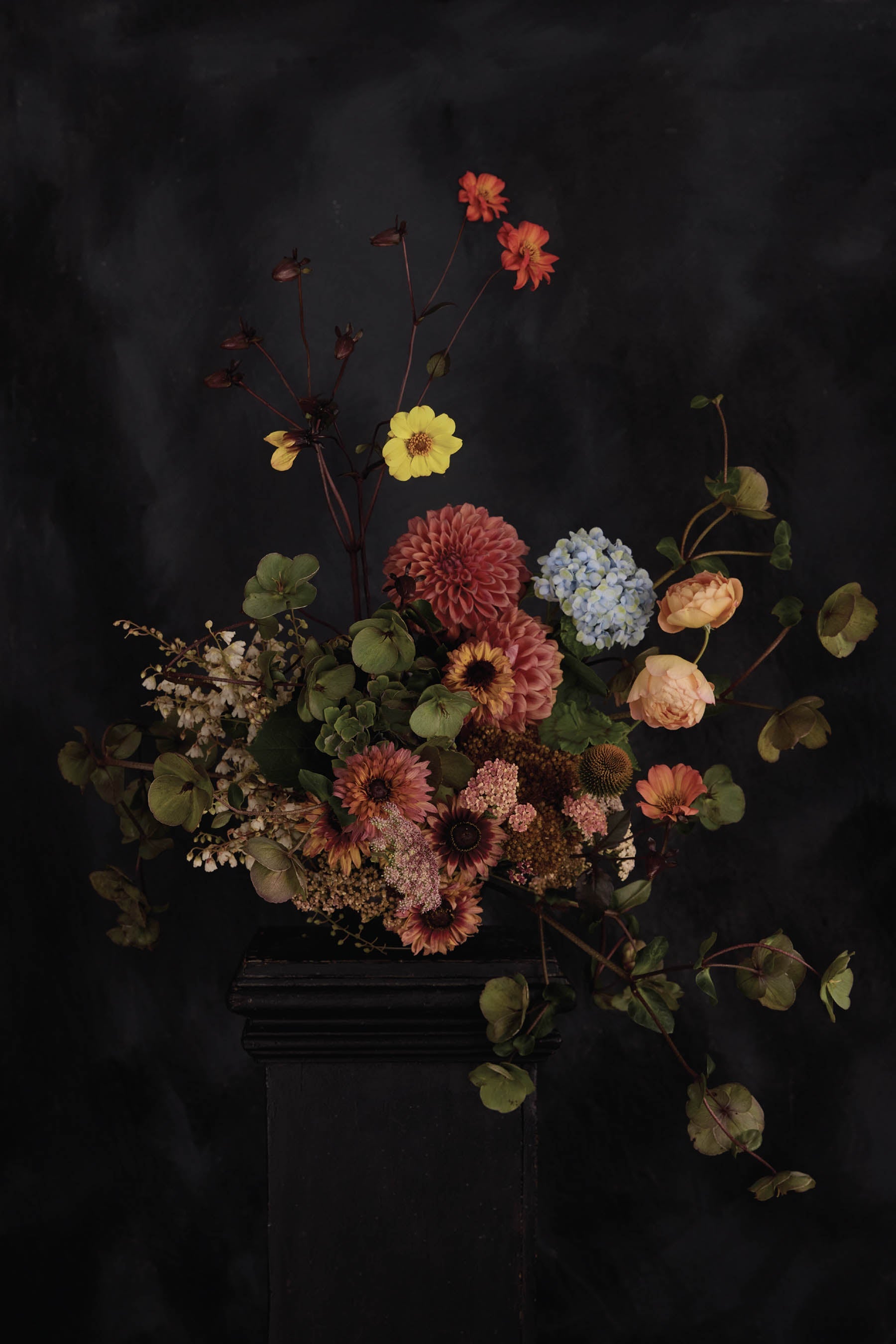
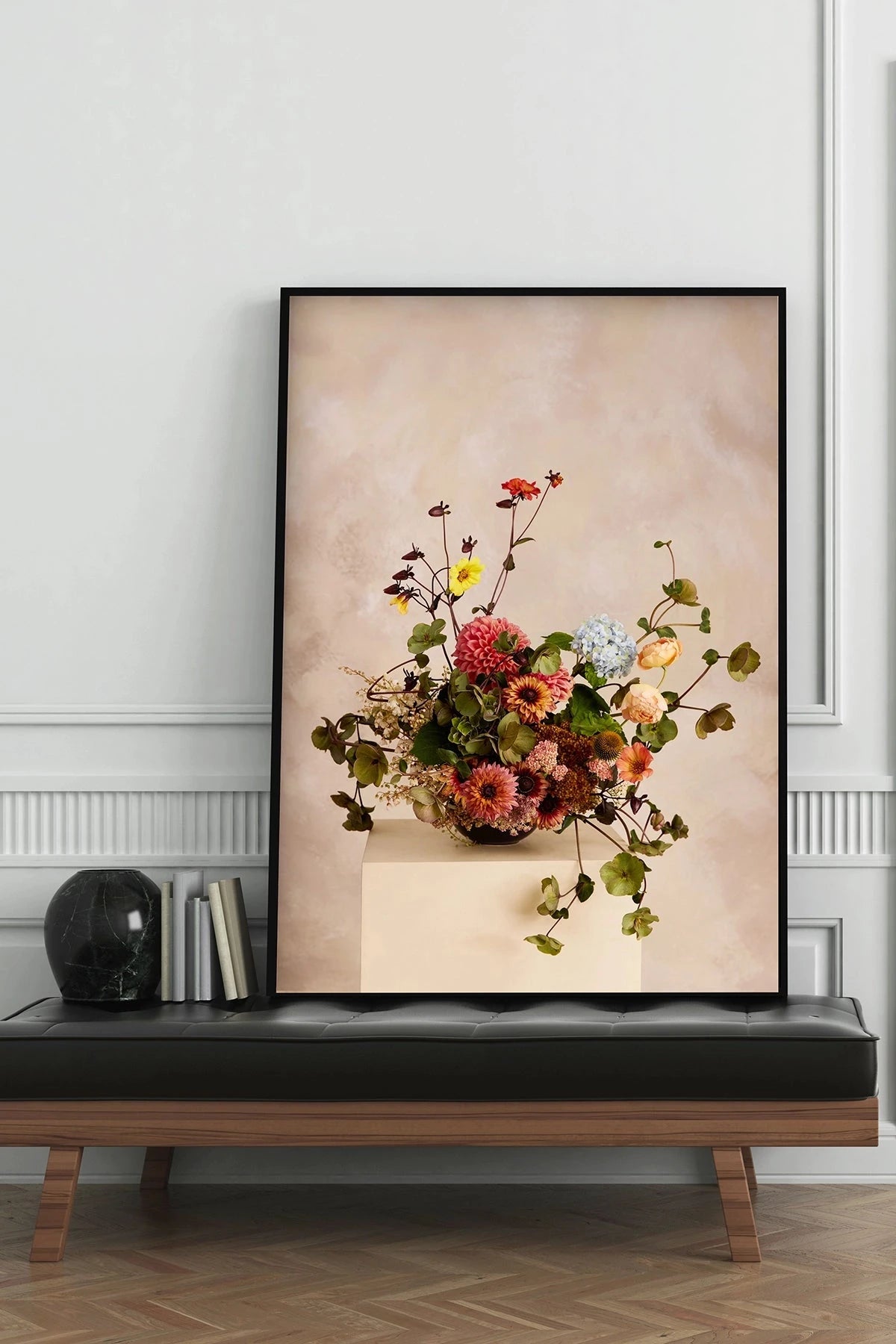




Frequently Asked Questions
No. The View in Room tool runs directly in your phone's browser. No app store visit, no download, no sign-up.
Most modern iPhones (8 and newer) and Android devices with ARCore support. If your phone has a rear camera and runs a recent browser, it should work.
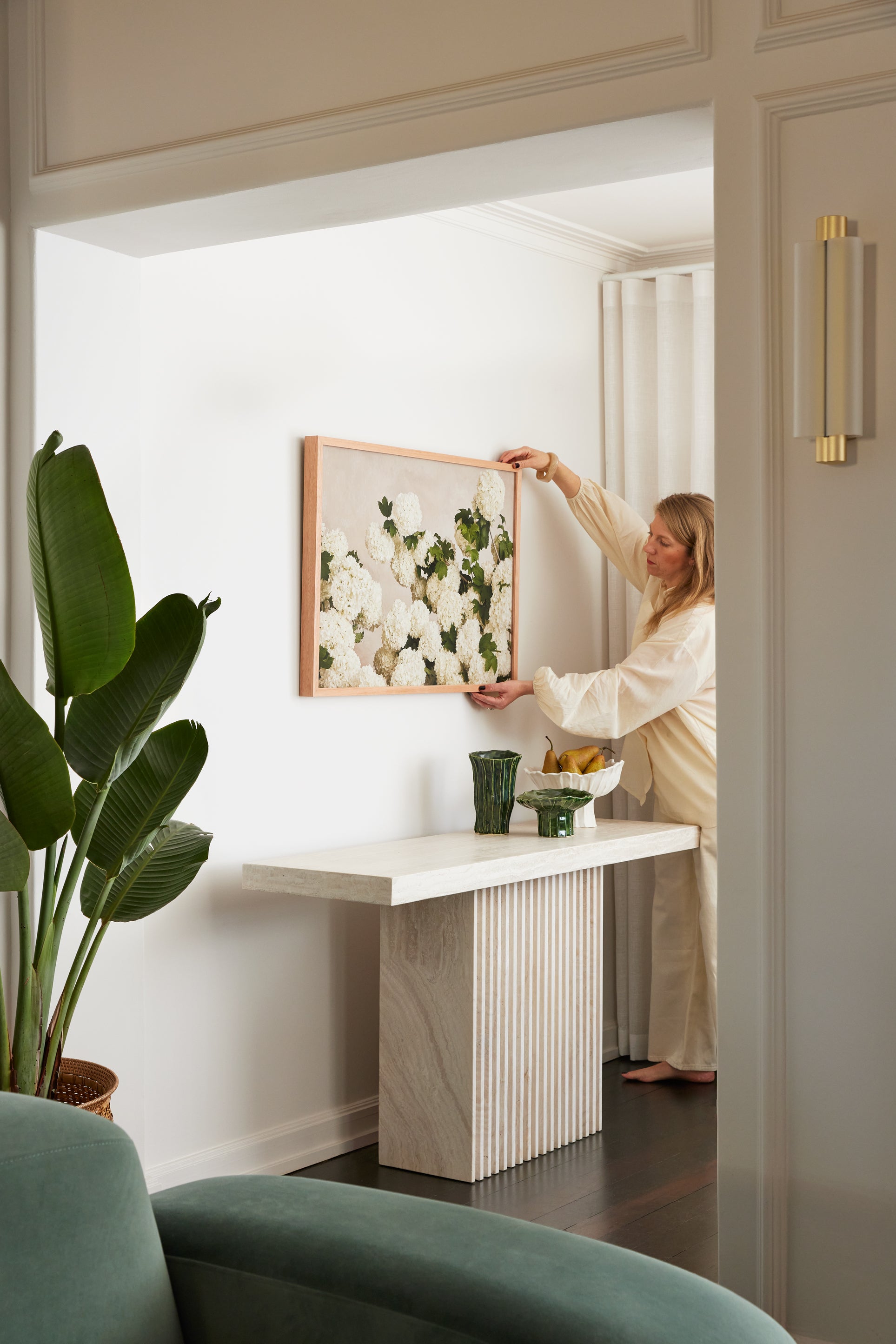
Yes — the AR tool uses your phone's sensors to calculate real-world dimensions. The print appears at its actual size on your wall.
The AR preview requires a phone camera. On desktop, you can still see all product images and detailed dimensions to help you decide.
NEED MORE HELP CHOOSING?
If the AR tool doesn't tell you enough, book a free styling consult. We'll help you choose the right print, size, and placement for your space.